 Liene
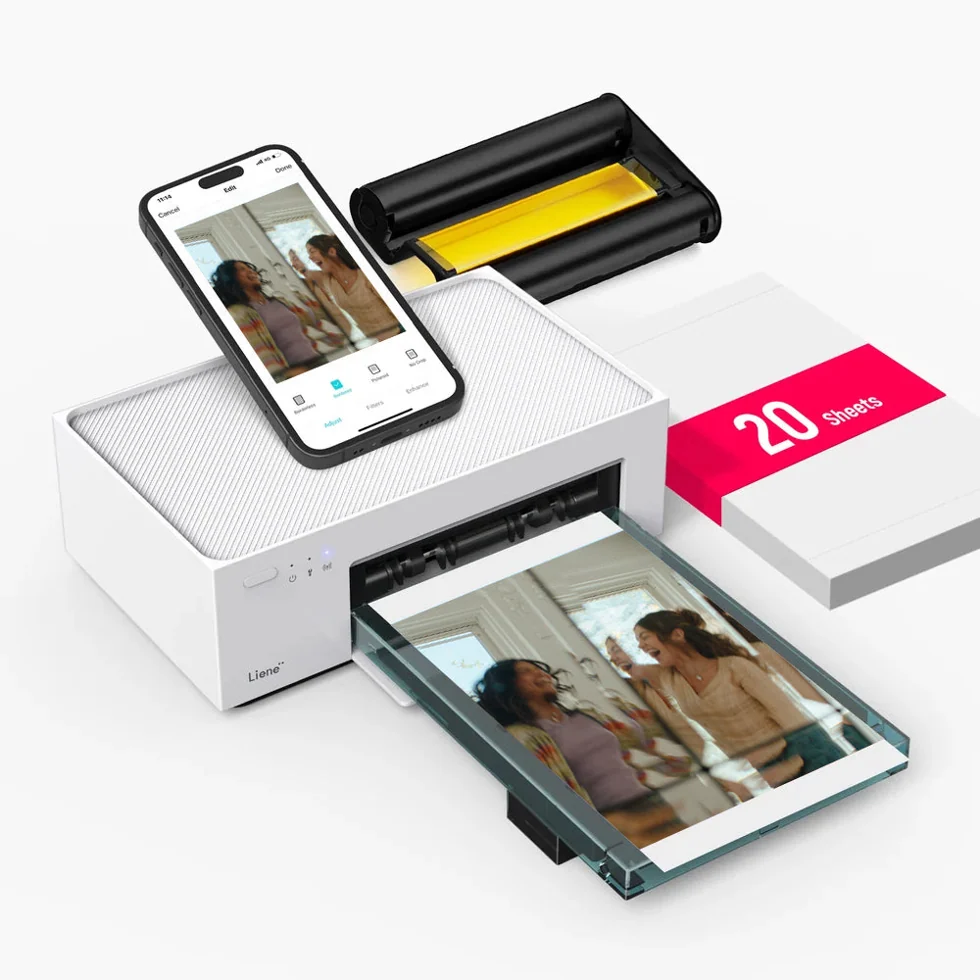
Liene Amber M100
Desktop 4 × 6 inch Wi-Fi photo printer.
- 4 × 6 in
- Dye sublimation
Choose a Liene printer by the finished shape and size of your photo. Amber models make the familiar rectangular print that slips into an album. The M110 also handles square sticker paper, while the M200 adds a battery for a table away from an outlet. The smaller Pearl models suit journals, but the K100 and N200 Pro use different print systems and refills. PixCut is the option for cutting around an image. Explore the six models below to see which format, connection and supplies fit your project.
LieneDesktop 4 × 6 inch Wi-Fi photo printer.
 Liene
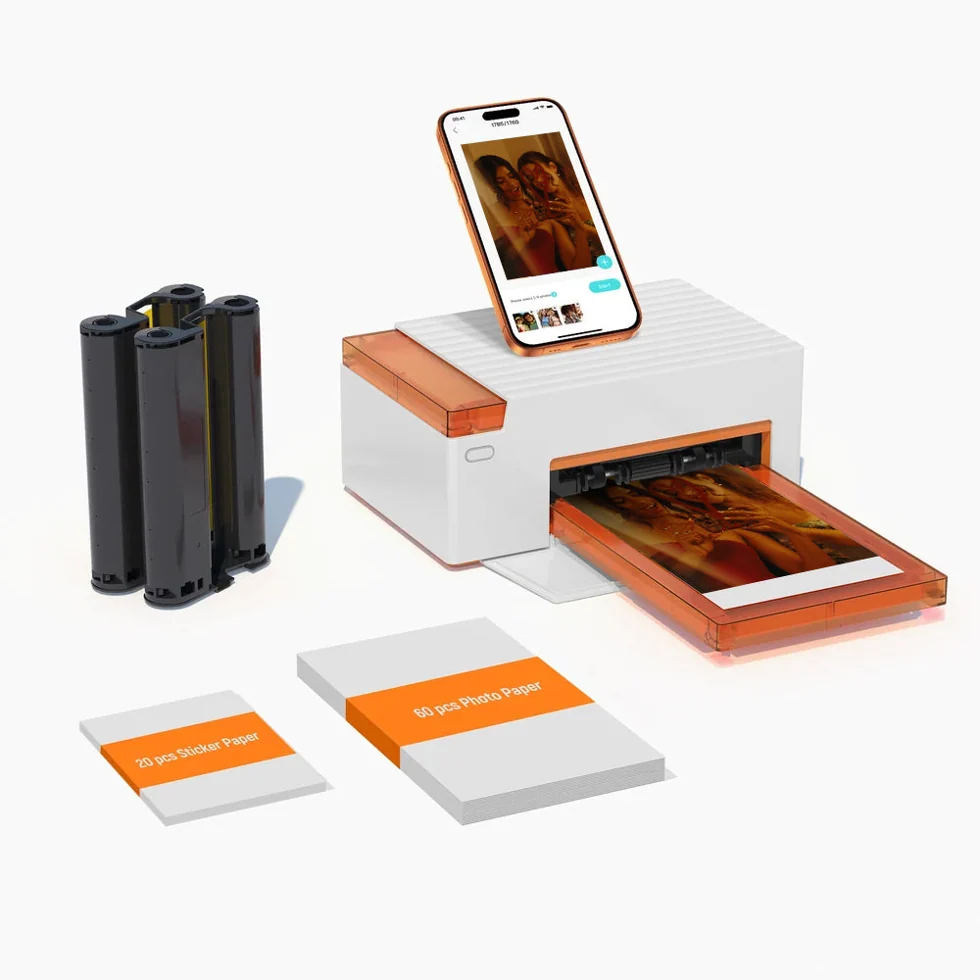
Bluetooth photo printer with a 4 × 6 inch photo format.
 Liene
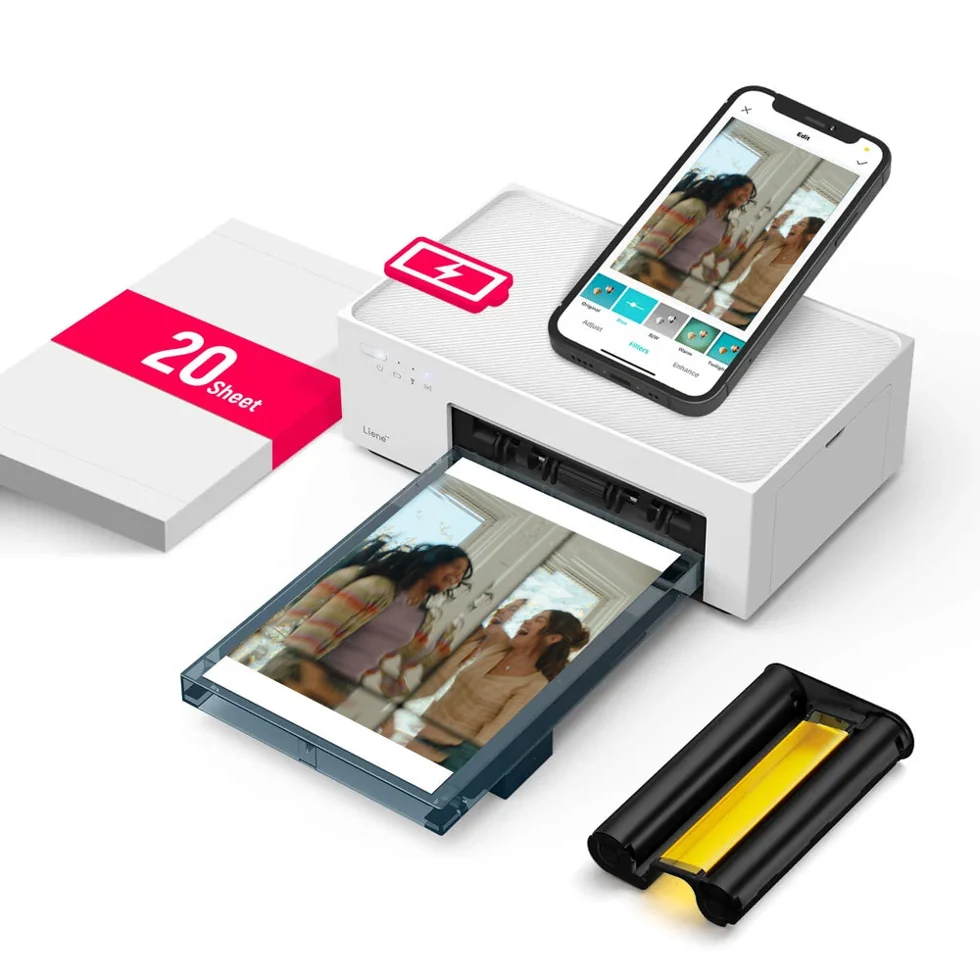
Battery-powered edition of the Amber 4 × 6 inch photo printer.
 Liene
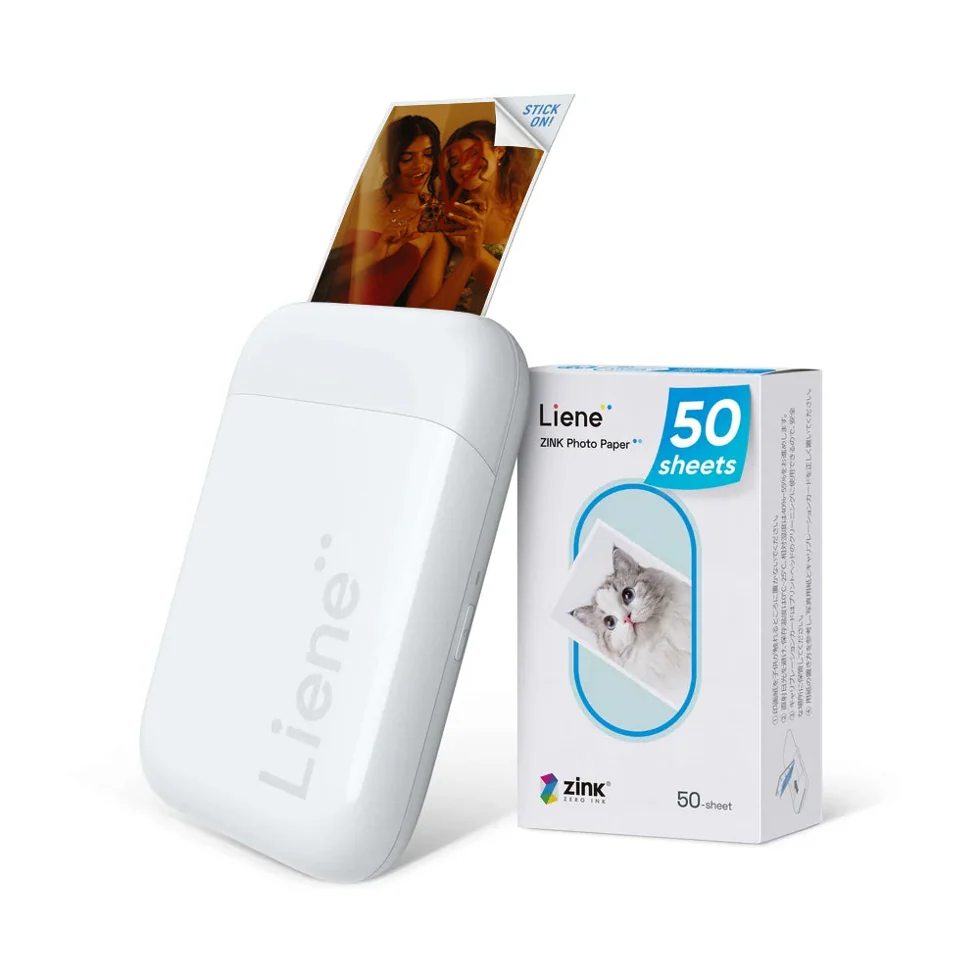
Pocket photo printer for 2 × 3 inch Zink prints.
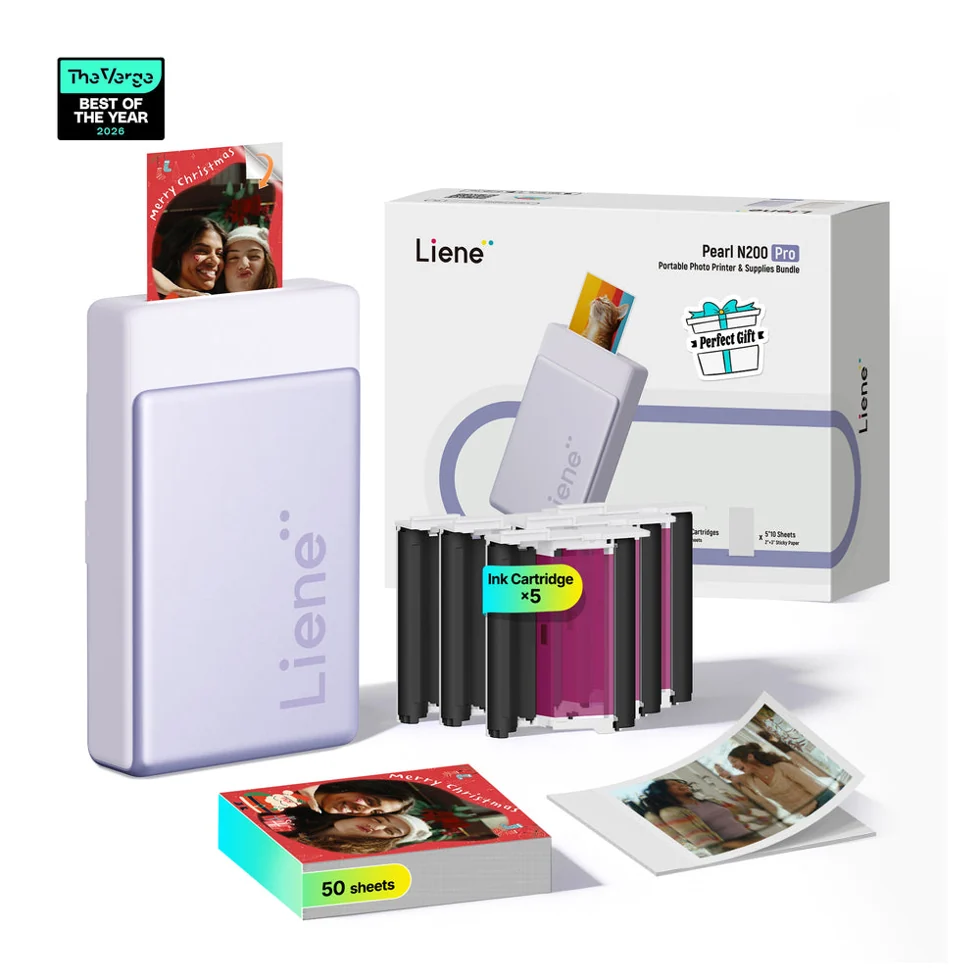 Liene
Portable dye-sublimation photo printer.
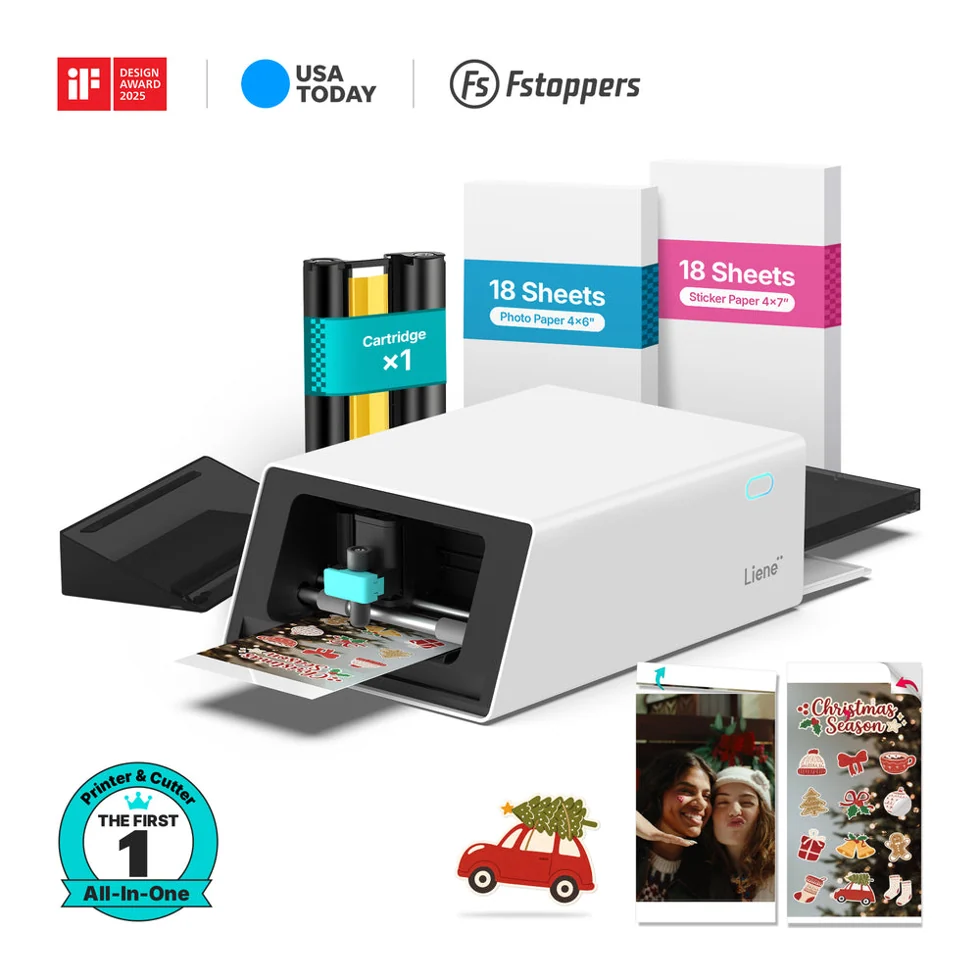 Liene
Prints and cuts color photo stickers. The representative listing is an Inspire Kit bundle.
Swipe across the table to see both models.
| Specification | Liene Amber M100 | Liene Amber M110 | Liene Amber M200 | Liene Pearl K100 | Liene Pearl N200 Pro | Liene PixCut S1 |
|---|---|---|---|---|---|---|
| Print format | 4 × 6 in | 4 × 6 in; 3 × 3 in stickers | 4 × 6 in | 2 × 3 in | 2 × 3 in | 4 × 6 in photos; 4 × 7 in sticker sheets |
| Print process | Dye sublimation | Dye sublimation | Dye sublimation | Zink | Dye sublimation | Dye sublimation and contour cutting |
| Device connection | Wi-Fi hotspot; USB for computers | Bluetooth | Wi-Fi hotspot; USB for computers | Bluetooth 5.2 | Bluetooth | Mobile app via Bluetooth |
| Refill to look for | Amber paper and ribbon | M110-compatible paper and ribbon | Amber paper and ribbon | Liene 2 × 3 Zink sheets | N200 Pro adhesive paper and cartridges | PixCut S1 paper and ribbon |
| Rated print resolution | 300 × 300 dpi | 300 dpi | 300 × 300 dpi | 313 × 400 dpi | 313 dpi | 300 × 300 dpi |
| Rated battery yield | Not specified | Not specified | Not specified | Up to 30 prints per charge | Not specified | Not specified |
Pick an Amber for a full album photograph, a Pearl for a small adhesive one, or PixCut for shaped stickers. Within Amber, the choice narrows to power and paper: M200 adds a battery; M110 takes a second, square format.
Turn on the M100 and use the Wi-Fi settings on the phone to join the printer’s own network. Follow the Amber instructions for the device and app you are using. This direct connection is useful even where a home Wi-Fi network is unavailable.
Use the paper and cassette specified for your Amber model. Align the paper in the orientation shown in its manual, close the cassette, then insert it into the printer. On the M110, select the tray for the paper size you are loading.
The Amber M200 covered here has a rechargeable battery. The M100 is the desktop alternative. If a shopping page combines several editions, check the model name and the battery description before assuming the pictured unit can print away from an outlet.
The K100 uses color-forming Zink sheets. The N200 Pro uses dye sublimation and needs both compatible adhesive paper and a cartridge. Both produce a small photo, so the main packing difference is which supplies you will need after the starter sheets run out.
PixCut S1 prints and cuts around a design using compatible sticker media. Its kiss-cut option can leave the backing sheet intact so stickers peel away individually. Pearl models can produce adhesive prints, but a shaped outline calls for a cutting step.